Business 6 min read -8 Apr 26-Updated 7 August 26 -Clément Gamberini
AI Automation: where to begin
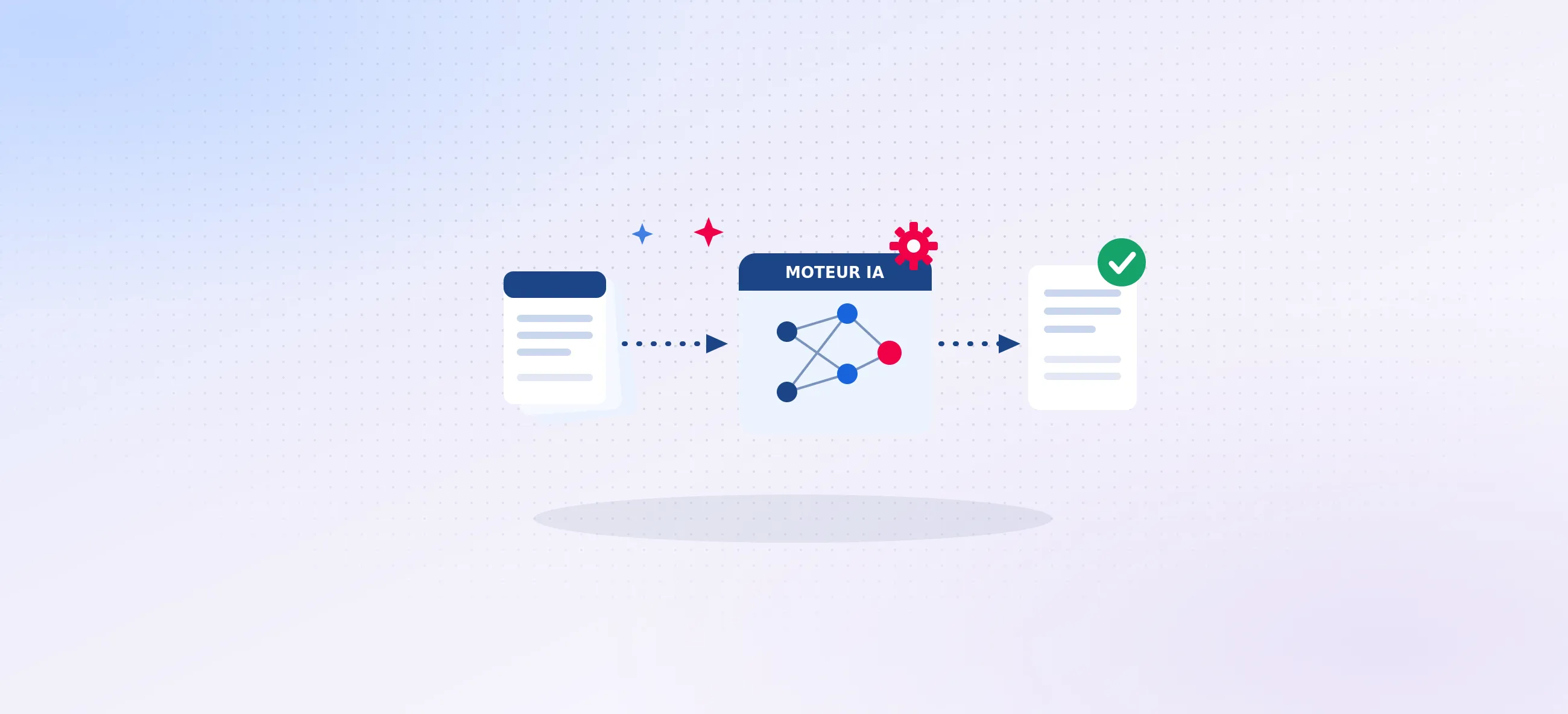
AI automation consists of entrusting repetitive business tasks to artificial intelligence models that until now resisted classic rules: reading a document, classifying it, extracting information from it, checking compliance, drafting a response. Where to start? With a single process: one that is both repetitive, high volume, and too irregular to be processed by fixed rules. That's where AI pays off fastest, and it's an important criterion before getting started.
The market confirms the maturity of the subject: 31 % of French VSEs and SMEs already use generative AI, and nearly one in two envisages wider deployment within 24 months (Bpifrance Le Lab). But the gap between those who derive an ROI from it and others is almost entirely based on the choice of the first use case.
In brief
TheAI automation entrusts models with repetitive business tasks that classic rules cannot handle.
The right first case: a process repetitive, high volume and irregular, that's where the ROI comes fastest.
Method: frame the ROI before coding, prototyping on real data, letting your teams validate.
According to MIT, 95% of enterprise AI projects deliver no ROI (MIT, via L'Usine Digitale) : the difference is mainly about the method.
AI automation vs classic automation: the only difference that matters
Classic automation (RPA, macros, workflows) executes explicit rules: if A, then B. It is unbeatable for a stable and perfectly defined process. It reaches its limits as soon as particular cases multiply: heterogeneous formats, exceptions, free language.
AI automation, on the other hand, manages this complexity. A model reads a poorly structured email, understands an invoice regardless of its format, identifies the correct version of a regulatory framework. Simple rule: if you can write all the rules in advance, stick to classic automation. If the process requires judgement in each case, AI makes perfect sense.
Criterion
Classic Automation (RPA)
AI Automation
Logic
Explicit rules (if A, then B)
Adaptive reasoning on each case
Input data
Structured, stable format
Heterogeneous, free language, exceptions
Ideal scenario
Fixed and perfectly framed process
Process where rules reach their limits
5 processes where AI automation pays off quickly
94 % of SMEs that use AI do so to optimise existing operations (Bpifrance Le Lab) : this is the natural territory for automation. The most profitable cases, based on experience:
The document processing, classify, extract, check incoming files. At Effy, a system ofAI agents checks compliance for over 50,000 Energy Saving Certificates files per year: processing time has gone from 1 hour to less than 1 minute per file, with instructors now only handling anomalies.
The support and customer relations, sorting requests, proposing answers for validation. At Odealim (insurance brokerage), an agent system processes tens of thousands of requests per month, with +150% productivity on the customer service side.
The accounting and finance, data entry, reconciliation, control. At Easton, accounting automation has multiplied team productivity by 5.
The reports and documentation, meeting minutes, summaries, reports. The Exanote tool generates automated reports with 75% time saved.
The tender responses and contract analysis, extracting requirements, identifying contradictions. At Amentum (nuclear engineering), a dedicated tender agent has delivered +60% productivity.
The common thread: high volume, a real human cost, and a low-value-added task for teams.
For easy-to-handle use cases, Jedha teaches you how to automate your tasks without coding in 42 hours: build your workflows with n8n, connect AI to your own tools and databases, and set up safeguards against hallucination, the pitfall mentioned above. The training is open to non-technical profiles and requires no prerequisites.
How much does it cost, how long does it take: realistic expectations
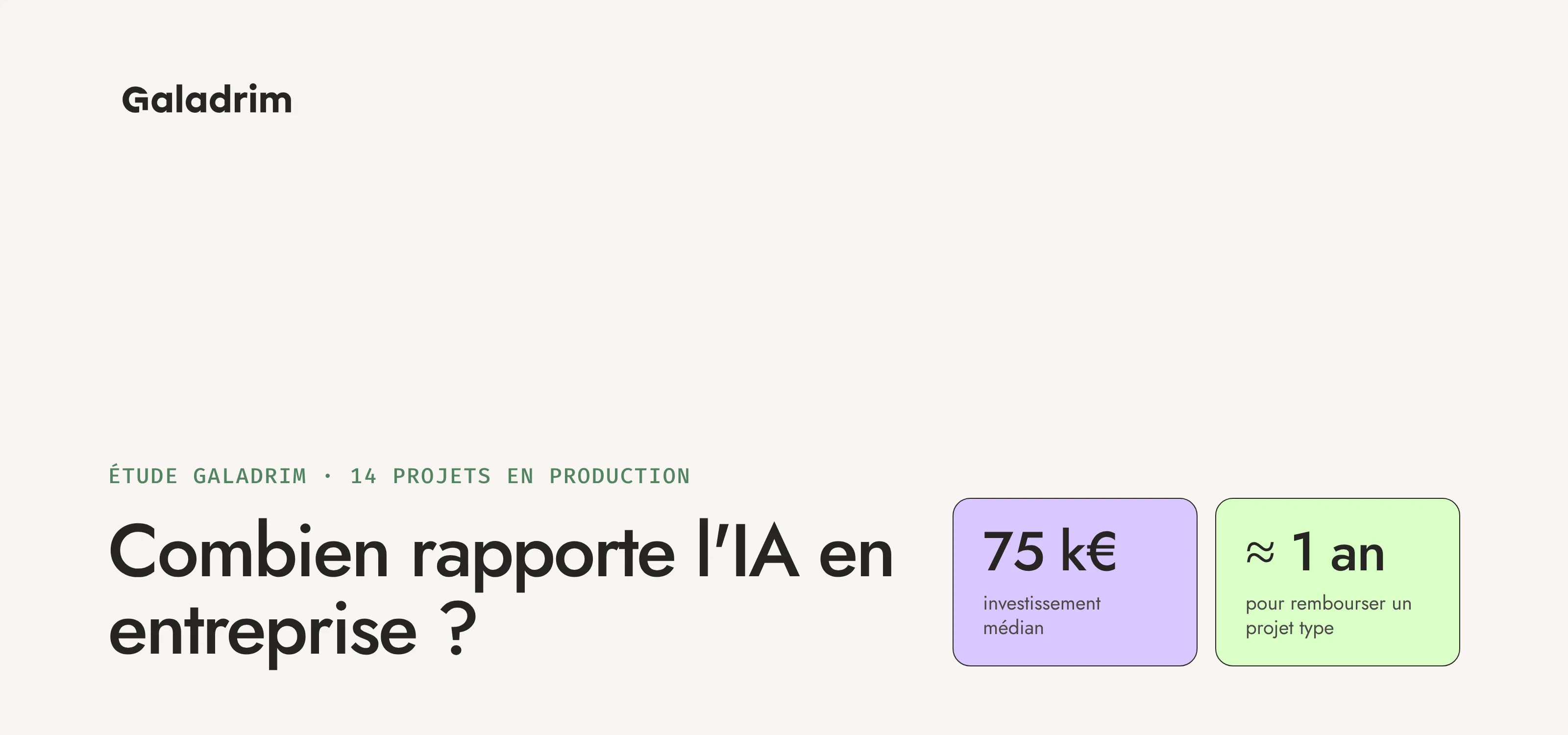
A first AI automation use case is framed in 2 to 4 weeks, then prototyped in a few weeks using your real data. To give you an idea, we delivered 4 operational AI agents in 6 months at Mercialys. For detailed pricing, see our guide How much does an AI project cost in a company.
Regarding results, the finding is stark: according to MIT, 95% of enterprise AI projects deliver no measurable ROI (MIT, via L'Usine Digitale). McKinsey confirms the gap: nearly 80% of organisations use generative AI, but only 6% derive a significant financial impact from it (McKinsey, State of AI 2025). What makes the difference is the method.
The method, precisely, is in four stages: we frame the use case by its ROI, we prototype using your real data, we put it into production with supervision, then we measure the gains. To frame the ROI from the start, see our guide ROI of an AI project: from identification to profitability calculation.
3 pitfalls to avoid before scaling
The POC syndrome. An impressive agent in a demo that doesn't survive your real volumes and exceptions. To avoid this: prototype from the outset on your real data, not on an ideal sample.
Hallucinations. Without safeguards or anchoring on your data, a model invents plausible but false answers, unacceptable on a sensitive subject. To avoid this: documentary anchoring (RAG, cited sources), continuous evaluation, and especially the human-in-the-loop, the agent proposes, your teams validate.
The untraceable ROI. Projects launched without success indicators, where no one can say what they have gained. To avoid this: define metrics (time saved, volume processed, error rate) before of writing the first line of code.
Client case: Effy, automated compliance control
Each year, Effy processes tens of thousands of Energy Saving Certificates files, each requiring meticulous regulatory compliance checks. The problem: a massive volume, an evolving repository, a manual processing time of approximately 1 hour per file.
Galadrim designed Athos, an agent-architecture platform combining OCR and LLM : it classifies documents, identifies the applicable version of the repository, checks compliance and generates a report. Instructors now only process cases flagged as anomalies.
Result: over 50,000 files processed per year, processing time reduced from 1 hour to less than 1 minute per file. Humans remain the decision-makers on what matters.
50 000+
files processed / year
1 h → <1 min
per file
100 %
anomalies reviewed by humans
4 key takeaways
Process first, tech second, target a repetitive case, high-volume and time-consuming.
AI handles what rules cannot, heterogeneous documents, free language, exceptions.
ROI is framed before coding, without success indicators, 95% of AI projects in companies deliver no ROI (MIT).
Your teams stay in control, the agent proposes, your teams validate, safeguards prevent deviations.
Conclusion
AI automation remains a means, never an end: it serves to save time on tasks that don't deserve it. The rule is constant: we start with a time-consuming process, the tech comes next. Start with a high-volume use case, frame the ROI before coding, let your teams validate.
Do you have a time-consuming process in mind? Let's talk about it: we'll tell you transparently if automation is suitable for it, and what it could save you.
FAQ
What is the difference between AI automation and classic automation?
Classic automation follows fixed rules and excels in perfectly stable processes. AI automation handles cases where rules become overwhelmingly complex: heterogeneous documents, free language, numerous exceptions. AI reasons and adapts where a rule merely executes.
Which process to automate first?
The one that is repetitive, high-volume, costly in human time, and too irregular for classic rules. Document processing and sorting incoming requests are often the best starting points.
How long for a first result?
Allow 2 to 4 weeks for scoping, then a few weeks for a prototype using your real data. The first measurable gains arrive as soon as it's put into production.
How to prevent an AI agent from inventing false answers?
Three levers: anchoring on your data (RAG with cited sources), safeguards and continuous quality evaluation, and human validation: the agent proposes, your teams decide.
Is an in-house data team needed to start?
No. An AI automation project can start without an established data team, then scale up as use cases evolve.
Do you want support to launch your digital project?