👋 Webinar | Moving on from WinDev: an easier migration thanks to AI · Wednesday 21/10 at 9h15 · Sign up →

[AI Training for designers and UX teams]
Train your designers in AI, on their own projects

Our trainers design AI processes and tools for our clients. They build each training course based on your mock-ups and your studies, so that your designers use AI from user research to code.
Use cases on your mock-ups, your studies and your tools
From user research to code, at each stage of design
The keys to designing products that integrate AI
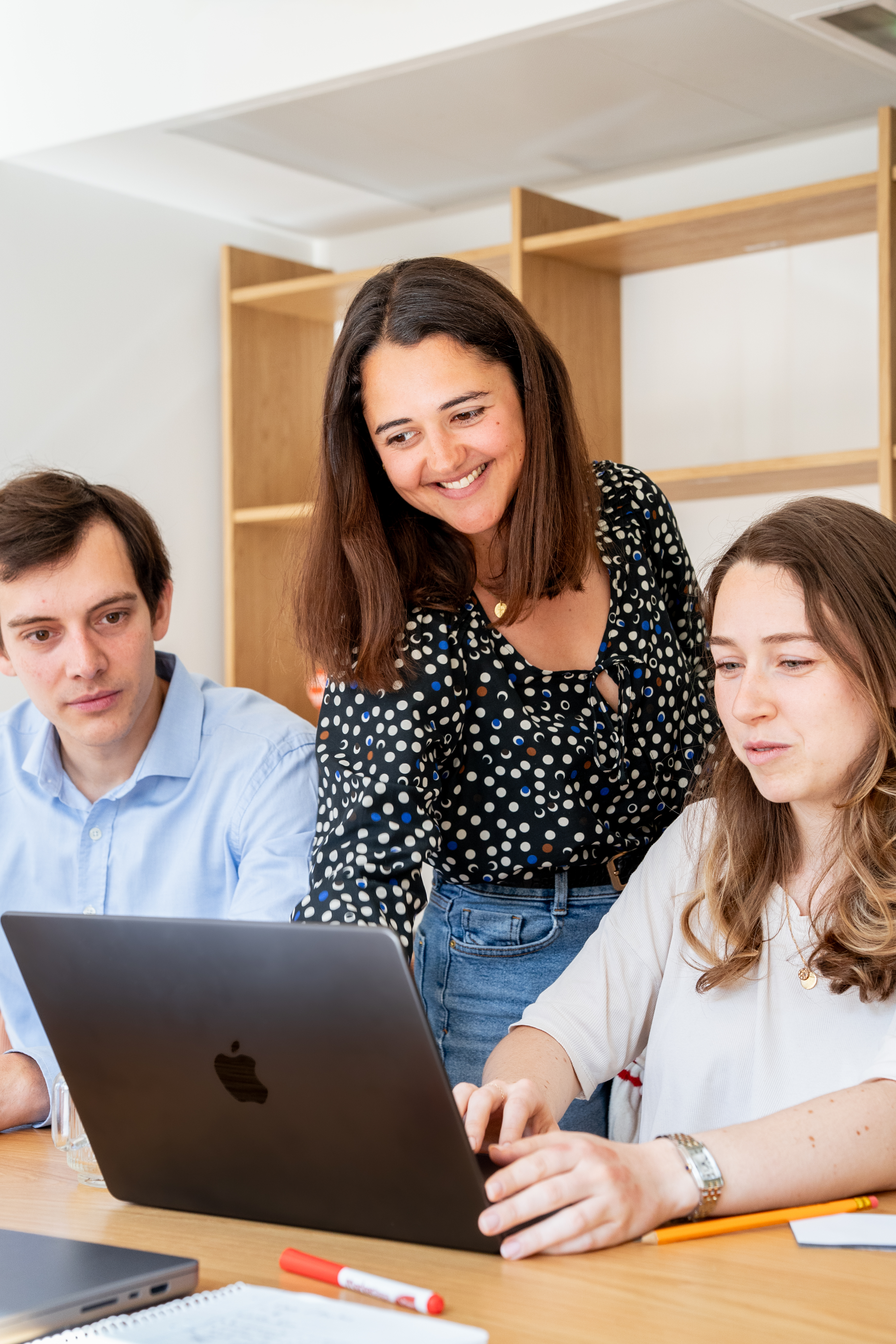
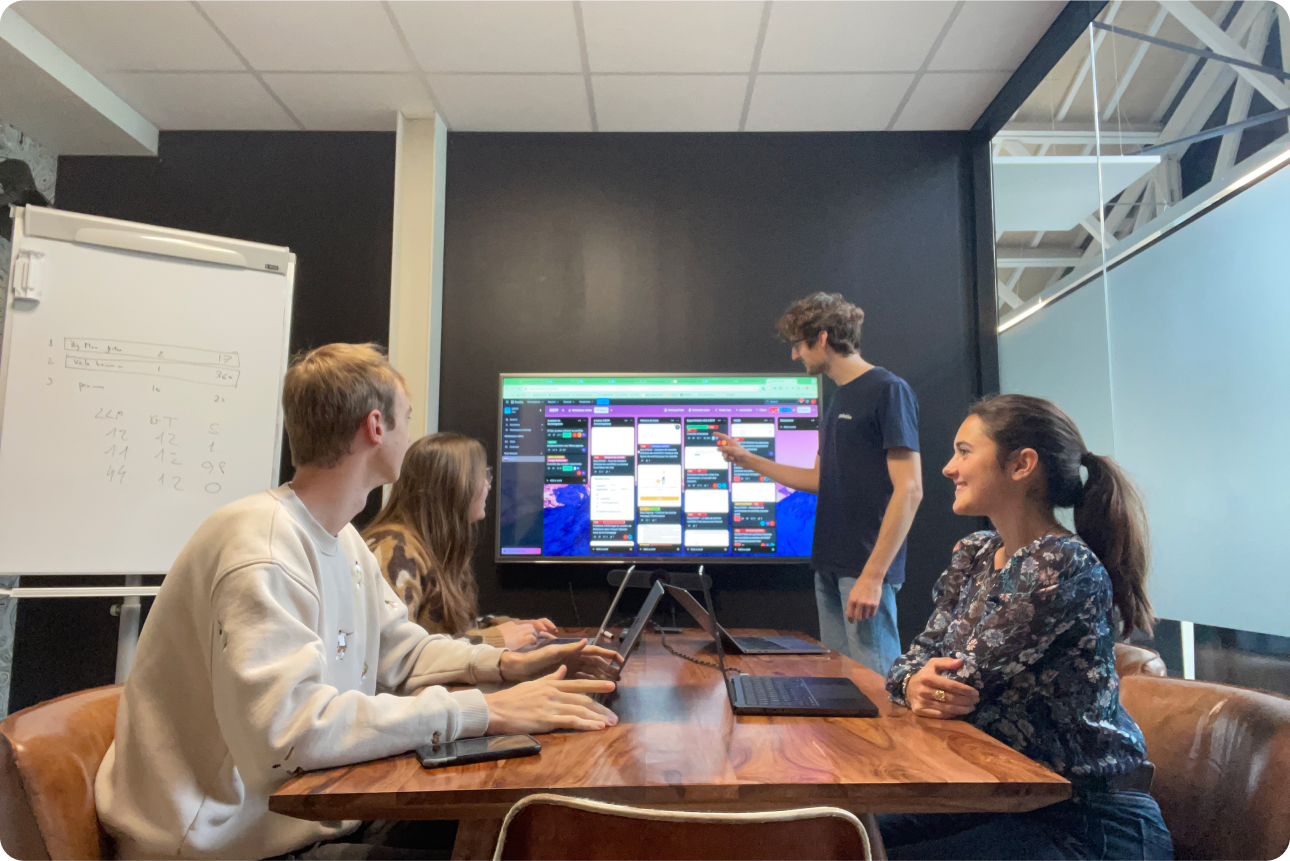
A small team in a meeting in front of a large screen
They trained their teams with Galadrim
10+product designers at Galadrim
150+AI solutions deployed with our clients
800+clients supported
[The programme]

Four areas where AI changes a designer's work

We choose with your Head of Design the areas to cover and the depth of each, according to the team's level and ongoing projects.
Designing products that integrate AI
AssistantsAgentsAI Journeys

Designing products that integrate AI

An assistant, a natural language search, or an agent require new types of journeys: variable responses, waiting times, user validation. Our trainers share what Galadrim has learned by designing over 150 AI solutions.
Accelerate user research
InterviewsSynthesisVerbatims

Accelerate user research

Your teams learn how to prepare an interview guide, to synthesise a series of interviews and to group verbatims. They maintain control over the analysis and verify each conclusion against the original data.
Explore and prototype, with rigour
Figma MakeClaude DesignImage Generation

Explore and prototype, with rigour

Produce several options for a screen or an artistic direction, then transform a mock-up into an interactive prototype for testing. Your designers learn to spot a generic result and rework it to their exacting standards.
Move from design to code
Claude CodeCursorDesign System

Move from design to code

Your designers have an agent produce an interface's code, based on their mock-ups and their Design System. They follow the integration more closely and speak the same language as developers.
[By profile]

What each profile learns to do with AI

Three examples of use cases per profile. We then replace them with tasks drawn from your projects.
01

UX researchers

Prepare an interview guide
Synthesise a series of interviews
Group verbatims by theme
  • Claude
  • ChatGPT
  • NotebookLM
02

Product designers

Produce screen variations
Transform a mock-up into an interactive prototype
Prepare specifications for developers
  • Figma
  • Figma Make
  • Claude Design
03

UI designers and Art Directors

Explore art direction options
Generate illustrations and icons
Adapt a visual across multiple formats
  • Midjourney
  • Adobe Firefly
  • Figma
04

UX writers

Write the texts for a journey
Harmonise the tone of an interface
Write error messages
  • Claude
  • ChatGPT
  • Figma
05

Designers close to code

Code a component from a mock-up
Link the Design System to code
Adjust an already integrated interface
  • Claude Code
  • Cursor
  • Figma
06

Heads of Design

Document a Design System
Check the accessibility of a journey
Set the rules for AI usage within the team
  • Figma
  • Claude
  • Notion
[Our method]

A training course designed based on your projects

Three steps, from the first discussion with your design team to usage monitoring.

A discussion with your design team

We review with your Head of Design your tools, ongoing projects, authorised AI tools, and the team's level. Each participant then completes a questionnaire before the training.

Tailor-made sessions, practice-focused

The trainer builds each session for your team. Everyone practises on their own files, with the trainer available to help them.

Post-training support

Your designers leave with the training materials, use cases, and prompts. One month later, we check in with you. A discussion channel remains open in the meantime for their questions.
[Our Projects]

Products designed by our designers and AI engineers

See all our references
At Galadrim, designers create interfaces and engineers integrate AI into them. Here are three products our teams have delivered.
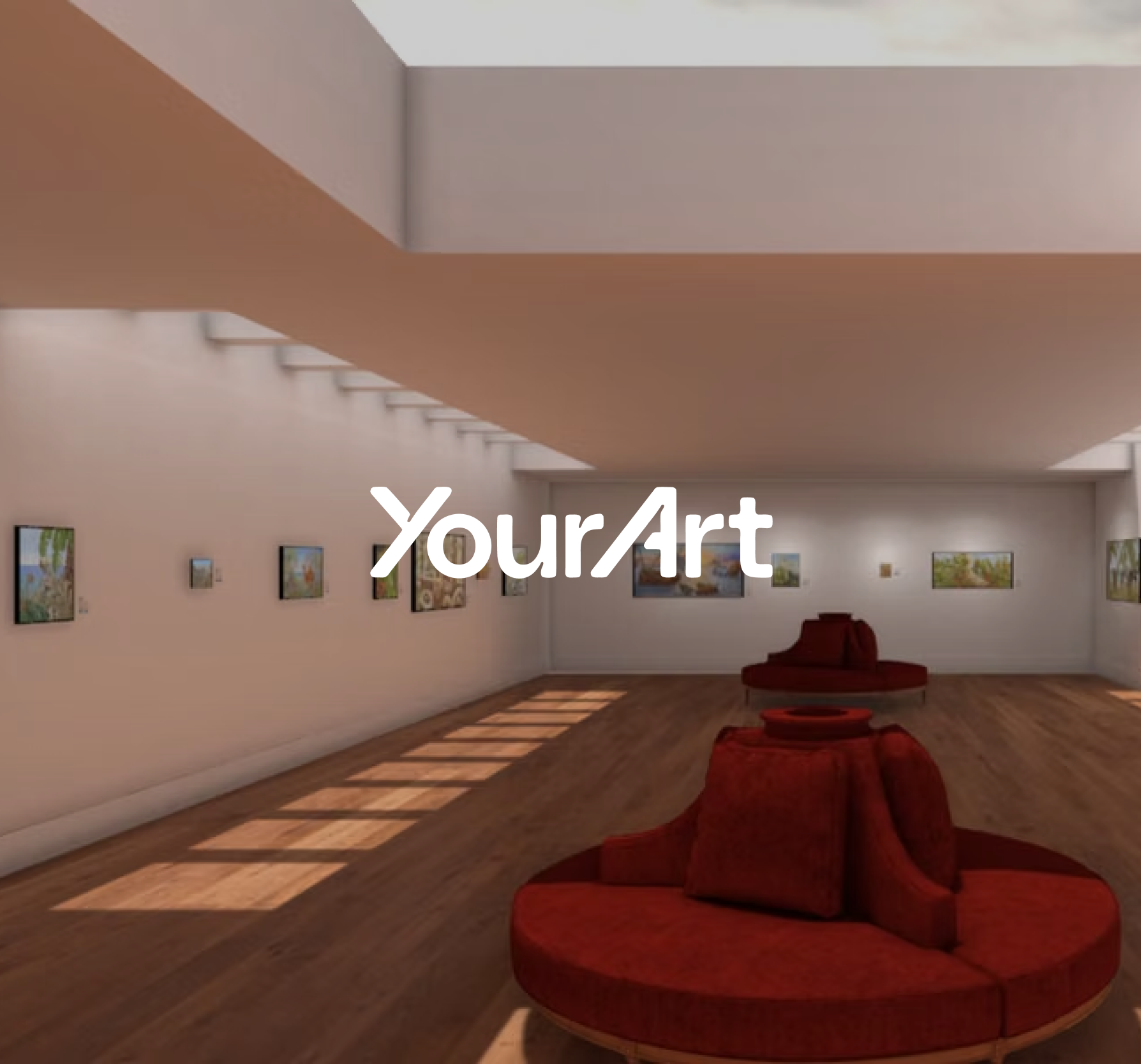
YourArt
Natural language search

YourArt

A search designed with our designer to find a piece of art by describing it in your own words, without using art vocabulary
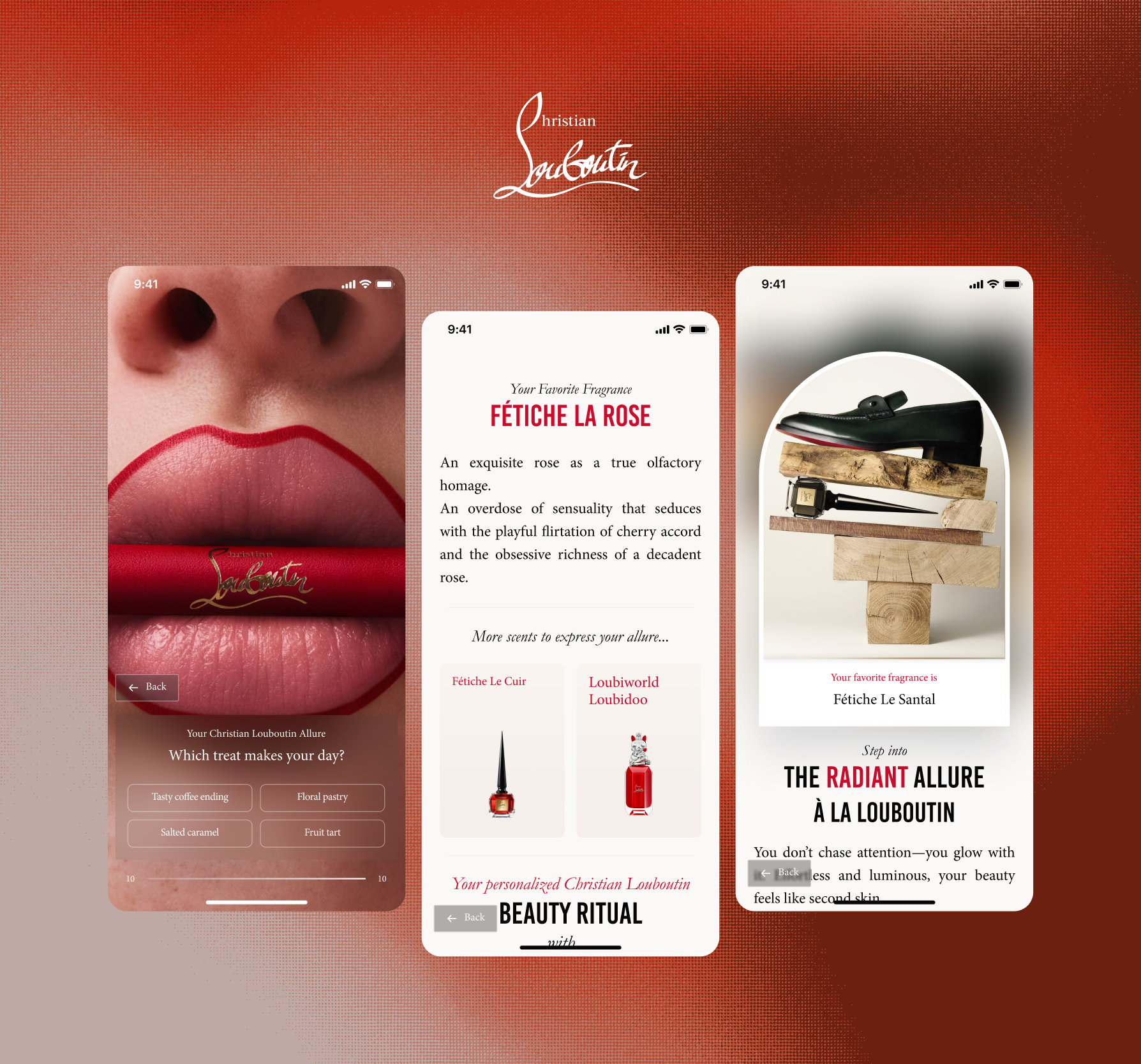
Christian Louboutin Beauté
In-store experience

Christian Louboutin Beauté

A touch screen application that extends the brand's universe in-store, featuring questionnaires, a look gallery, and immersive videos.
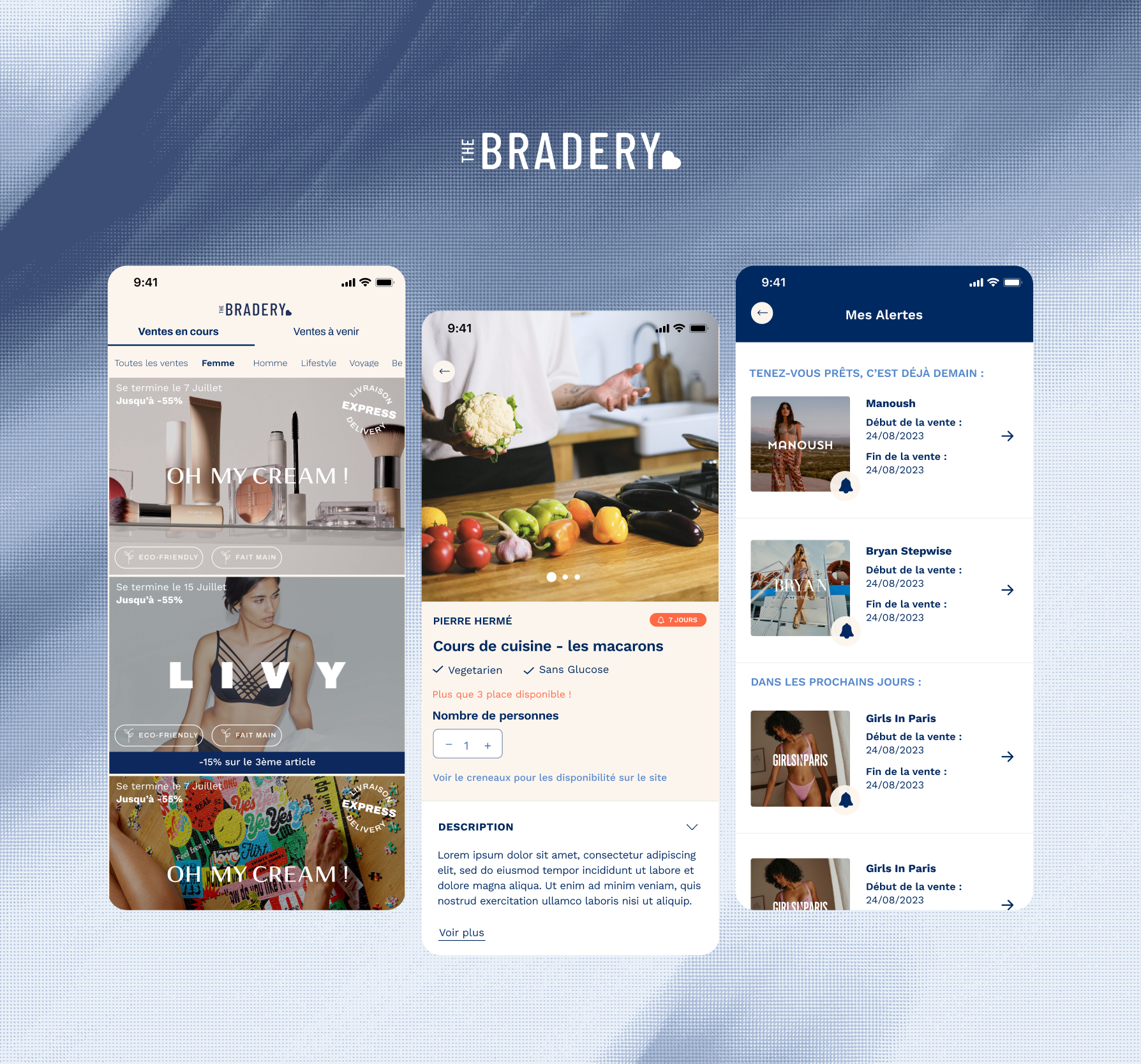
The Bradery
Mobile application

The Bradery

An application designed by our designers, from sales discovery to order tracking, rated 4.7/5 on the App Store

[Formats and Durations]

A format for each objective

  • 1 to 3 days
    Designers and Product teams

    Bespoke training

    Use cases built on your mock-ups, your studies, and your tools, with most of the time spent practising. The training course takes place intensively or in four sessions spread over six to eight weeks. After the training, follow-up support is provided for each designer on their own projects.
  • Half-day
    Design and Product Management

    Executive Workshop

    Dedicated work time for Design and Product Management, to define the place of AI in your design processes and choose the first projects.
  • 1 to 2 hours
    Design and Product Teams

    AI Plenary Session

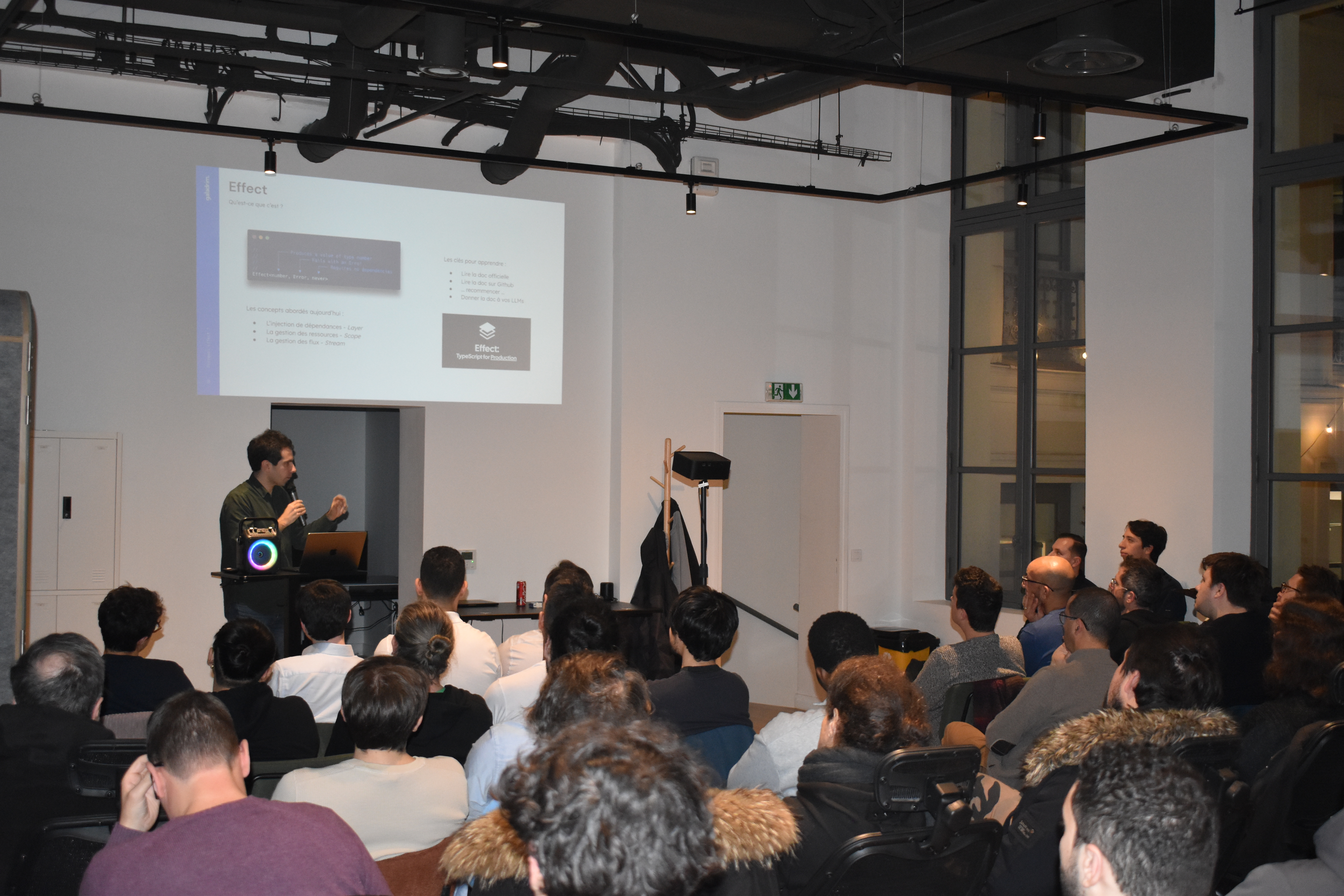
    A session in front of all your Design and Product Teams, to share a common AI culture before training each group.
  • 1 day
    Design, Product and Tech teams

    AI Hackathon

    Designers, developers and Product teams prototype AI functionalities together on topics relevant to your company. A day to create collective momentum and bring out ideas.
  • Ambassador Designers

    Training for AI Referents

    Volunteer designers become AI relays within the team and support their colleagues daily.
01/05
[By sector]

The same training courses, with your sector's constraints

A design team in banking, luxury, or industry works with very different users, brands, and rules. We incorporate these constraints into the use cases: your user journeys, your brand guidelines, and the rules governing your data. We also train other roles within your company, using the same logic.
 DSC7123

Organise training for your design teams

Book an appointment with a trainer
[FAQ]

What Design teams ask us for

We start from their current uses to go further: choosing the right tool for each task, providing the correct context, chaining multiple tools, and verifying their output. Those most comfortable progress all the way to an interface's code.
The designer retains the choices that determine a product's quality: understanding users, arbitrating user journeys, maintaining brand consistency. The training shows how to entrust repetitive tasks to AI to dedicate more time to these choices.
By giving AI your Design System, your brand guidelines, and your own examples, then maintaining a critical eye on what it proposes. Your designers learn to frame a request, to spot a generic result, and to rework it.
No coding knowledge is necessary. Prototyping tools and code agents are controlled using natural language. Designers who wish to can even produce an interface's code.
Figma and its AI functions, Claude or ChatGPT, prototyping tools like Figma Make or Claude Design, coding agents like Claude Code or Cursor, and image generators like Midjourney or Adobe Firefly. We primarily use the tools your team already possesses. If you are just starting out, we help you choose licenses suitable for professional use.
You choose. We work on your mock-ups and studies, anonymised if needed, with the tools authorised in your company. We can also design a fictitious project that reflects your product type.
That depends on the tool, its license, and the intended use. The training clarifies usage rights and precautions to take before publishing a generated image.
For follow-up: Your designers can ask our trainers questions on a dedicated hotline, and we'll check in with you one month after the training.
For your projects: Galadrim designs and develops products that integrate AI. A project started during the training can become a larger project undertaken with your teams.
Depending on your company size and your skills operator, all or part of the training may be covered. We help you prepare the application from the initial scoping.
The price depends on the number of participants, the chosen format, and the time required to design the use cases for your projects. Tell us who you'd like to train: you'll receive a detailed quote within 24 working hours.
[Contact us]

Let's talk about your Design team's training

Tell us how many people you wish to train and the tools you use. A trainer will call you back to build the programme with you.

Over 800 companies have trusted us to create their web, mobile, and AI products

Your enquiry

We'll get back to you within 1 hour.